


Add a new sponsor
Register a sponsor and link a billed item to them
1
Access sponsor management
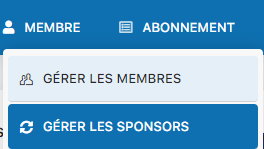
Click the menu MEMBER, then select Manage sponsors.
2
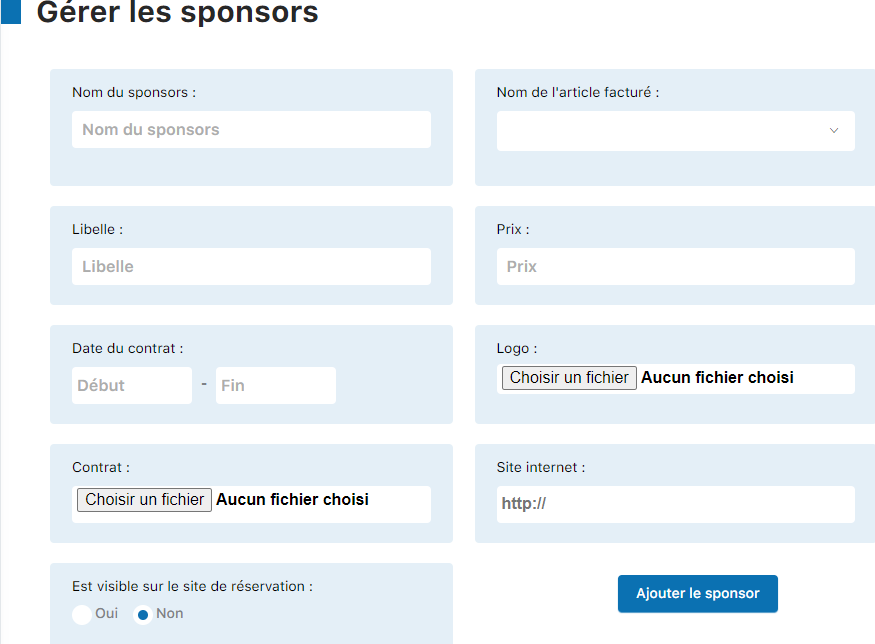
Fill in the sponsor's information
Complete the sponsor's details in the form. Be sure to select the appropriate billed item in the drop-down menu Billed item name.
3
Click "Add sponsor"
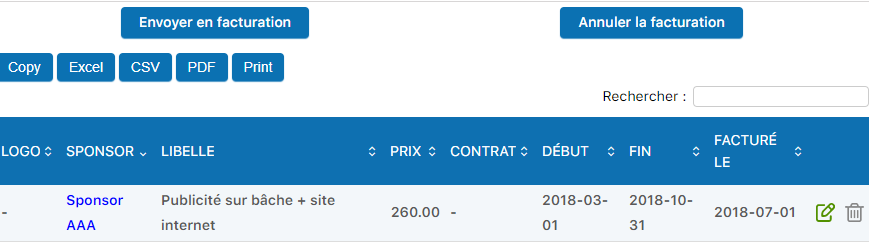
Once the form is filled in, click the Add sponsor button to save the information.
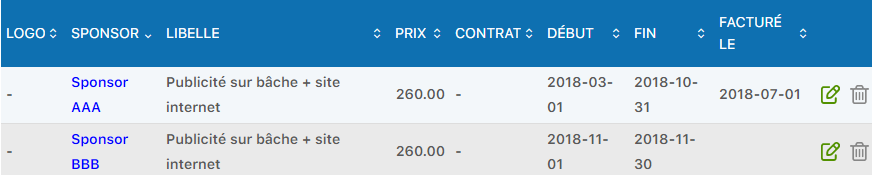
The sponsor will now appear in the list at the bottom of the page. You can edit (pencil icon) or delete (trash icon) a sponsor at any time.
💡 Tip: Make sure the sponsor's billable item exists in your system before adding it. This will allow for automatic, error-free invoicing.
Plugin.ch • Help Center • Video tutorial